
About “Product” lines in invoice creation
Table of contents
In the software system, a product record (which may correspond to a product or a service) carries the accounting account number and VAT rate associated with the product or service. The accounting system is linked to the product sheet to enable semi-analytical accounting. In addition, the product sheet also determines the product unit: piece, liter, cubic meter, weight, etc.
For these reasons, invoicing must be carried out via one or more product sheets.
To manage your products, you have two options within the software:
1. Create all existing products and services,
2. Create “generic” products that you can modify when creating a quote or invoice.
1. Create files for all existing products
If you choose this option, you can refer to the Create a category (products, customers, etc.) and Create and configure a product guides to find out how to create categories and products (or services) in the software. If you have a list of your products and/or services in Excel (.xls), you can also contact MCA Concept to have your products imported into the database.
Naturally, products can still be modified at the invoicing stage if required.
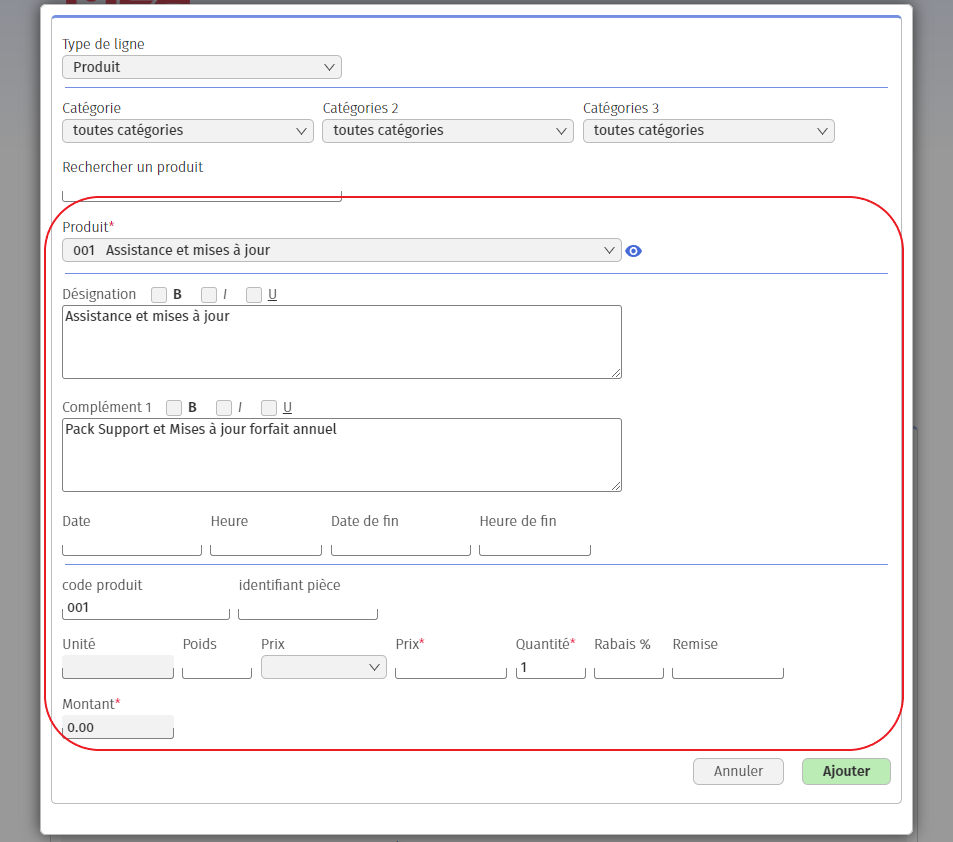
2. Create “generic” cards
If you prefer this option, you can, for example, choose to create a product sheet called “Miscellaneous”, which includes all your products, and a sheet called “Labor”, which includes all your services. However, since a product master record can only includeone type of unit of measure (unit, weight, piece, cubic meter, time, etc.) and only one sales and expenseaccount, you’ll need to create a different product master record for each unit and/or account.
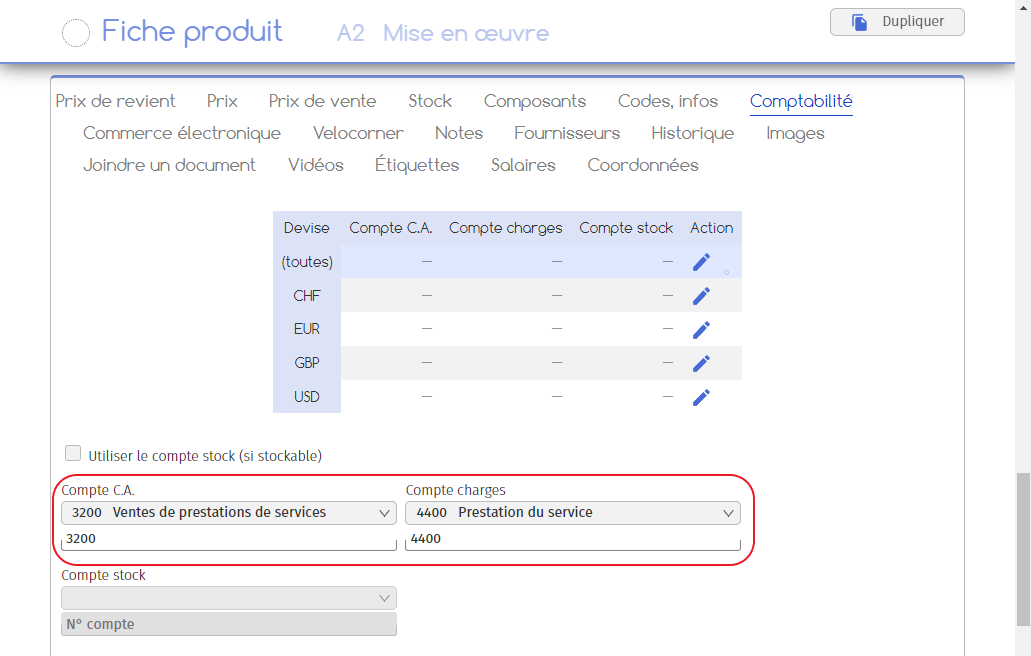
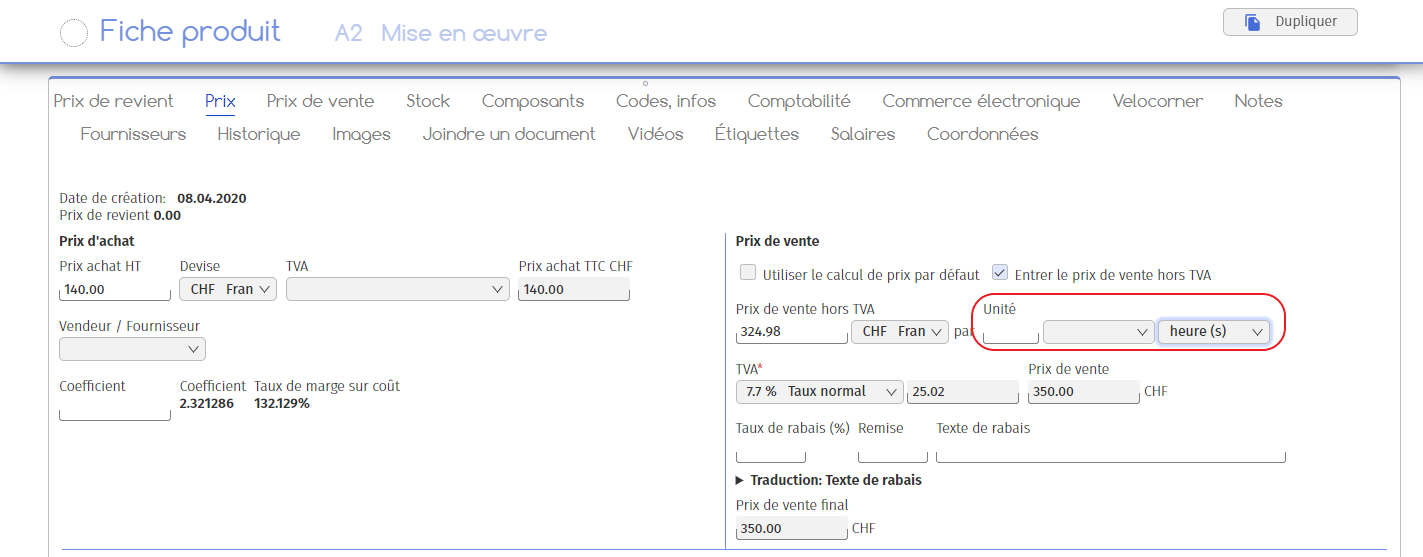
For example, let’s say you run a bakery, selling loaves of bread and cakes as well as mineral drinks and eggs (in boxes of 6). In this scenario, the loaves of bread and cakes are manufactured products, i.e. products made by your company from raw materials, and will therefore be entered in the “3000 Sales of manufactured products” account. Beverages and eggs, on the other hand, are merchandise, i.e. products you’ve bought to resell as is, so they’re booked to the “3200 Sales of merchandise” account.
You will then need to create three different product files in the software:
1. A card called “Miscellaneous confections”, linked to the “3000 Sales of manufactured products” account, with no unit specified since the item is sold individually;
2. A record called “Miscellaneous beverages”, linked to the “3200 Merchandise sales” account, with no unit specified since the item is sold individually;
3. A master record called “Eggs”, linked to the “3200 Merchandise sales” account, with the sales unit “box of 6”.
In summary, when creating products, you need to take into account :
– Product unity,
– Accounting accounts linked to products.
Refer to the Create and configure a product guide to find out how to create a product master record, setting up the unit and accounts.